MQTT Simulator
A lightweight, easy-to-configure MQTT simulator written in Python 3 for publishing JSON objects to a broker, simulating sensors and devices.
Features • Getting Started • Configuration • Main contributors
Features
- Lightweight and easy-to-configure simulator for publishing data to an MQTT broker
- Simple setup with a single JSON configuration file
- Publish data on predefined fixed topics
- Publish data on multiple topics that have a variable id or items at the end
- Simulated random variation of data based on configurable parameters
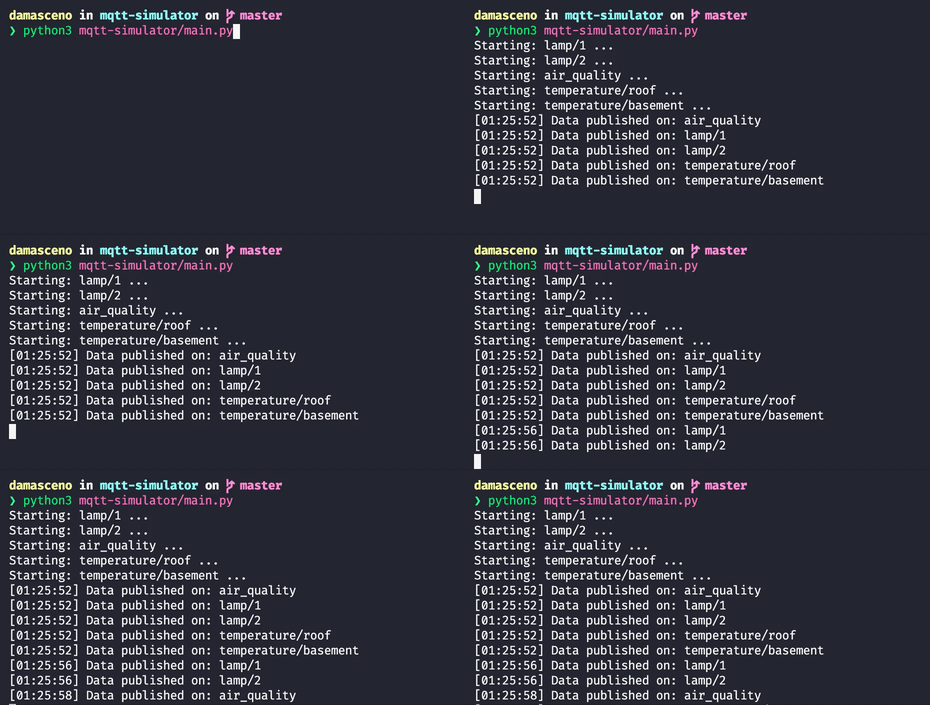
- Real-time event logging during simulation
Getting Started
Running using Python
Run the simulator with the default settings file (config/settings.json):
Or specify a custom settings file:
To install all dependencies with a virtual environment before using:
Running using uv
Run the simulator with uv, a fast Python package and project manager - no need to manually setup a virtual environment:
Running using Docker
Additionally, you can run the simulator via Docker using the provided Dockerfile.
Build the image:
Run the container:
Configuration
See the configuration documentation for detailed usage instructions.
You can also check a full settings file example at: settings.json.
Below is a minimal configuration file that connects to the mqtt.eclipseprojects.io broker and publishes data to the /place/roof and /place/basement topics. The simulator generates temperature variations based on the provided parameters:
{
  "BROKER_URL": "mqtt.eclipseprojects.io",
  "TOPICS": [
    {
      "TYPE": "list",
      "PREFIX": "place",
      "LIST": ["roof", "basement"],
      "TIME_INTERVAL": 8,
      "DATA": [
        {
          "NAME": "temperature",
          "TYPE": "float",
          "MIN_VALUE": 20,
          "MAX_VALUE": 55,
          "MAX_STEP": 3,
          "RETAIN_PROBABILITY": 0.5,
          "INCREASE_PROBABILITY": 0.6
        }
      ]
    }
  ]
}
Sensores Simulados
| Sensor | Tipo de dado | Unidade | Intervalo de emissão | Exemplo de payload |
|---|---|---|---|---|
| Produção | Peças por minuto | pcs/min | 5 s | { "estacao": 1, "producao": 58 } |
| Paragem | Tempo parado | segundos | evento | { "estacao": 1, "paragem": 15 } |
| Stock | Nível de stock | % | 10 s | { "estacao": 1, "stock": 73 } |
| Qualidade | Peças defeituosas | % | 10 s | { "estacao": 1, "defeitos": 4 } |